Billie Jo Etchason
Safe and Flexible Schoolwide Messaging with Seesaw
Seesaw has updated their messaging! You can now add more than one person to a message, including students, other teachers in your building, and parents. Read on to learn more!
5 Amazing Seesaw Creative Tool Improvements
Seesaw has just released some amazing improvements that will make your teacher life so much easier! Students can’t delete teacher-created activity pages anymore Smarter pen vs move tool selection Accidental page reordering and creation fixed No more accidental unlocking Be sure your app (and your students’ app) is updated to fully enjoy these five new changes. Keep reading to learn more! Prevented Page Deletion by Students Before: Students could delete pages from Activity templates. After: When responding to an Activity, students cannot delete pages that are part of the Activity template created by teachers. Tapping on the 3 dots will only...
Easy, in the Moment Formative Assessment with Seesaw
Formative assessment is the piece of the teaching puzzle that allows us to quickly gauge how well our students are understanding the material we’ve taught. From there, we make the important decisions about where our lesson will go next. Do we need to reteach, or are our students ready to progress? Do some students need additional practice? And which students need to be pushed to achieve the next level? The best formative assessments will not only answer these questions but will also engage students in their own learning. Seesaw has a set of ready-to-go Check for Understanding Activities that make...
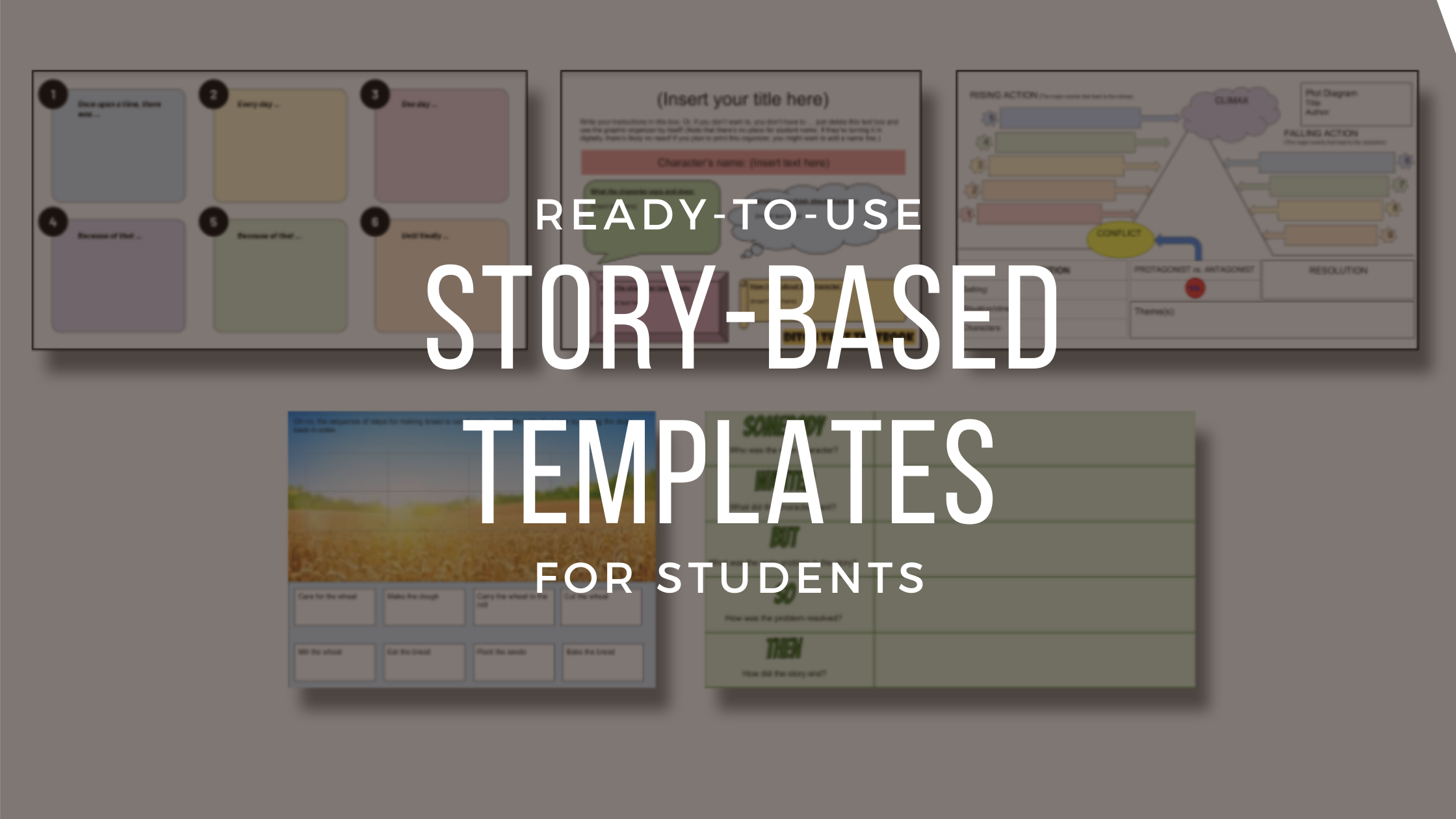
Story-Based Templates
“For decades I’ve argued that, as the stories once told around a campfire are now being told with the glow of a computer monitor, we must ensure that the new forms of storytelling are as compelling as the old.” David D. Thornburg, PhD Are you looking for ways to get your students thinking and creating their own compelling stories? Below are many ready-to-use templates that can help students think about stories they’ve read or heard and apply it in an independent and/or collaborative way. These templates can be used to reflect back on stories as well as to plan ahead...
5 Ways to Use Edpuzzle with Elementary Students
For some teachers, bringing technology into an elementary classroom can be overwhelming. What tools should you use? How much is too much? Or enough? What if the kids break their iPad? While these are all valid concerns, you’d be amazed at how seamless the experience of integrating edtech into your class can be. First of all, the kids are already used to using technology in their daily lives, so you don’t have to worry about going through that awkward learning curve (unless it’s for you!). Secondly, rather than turning kids into zoned-out zombies, when used correctly, technology will actually stimulate...
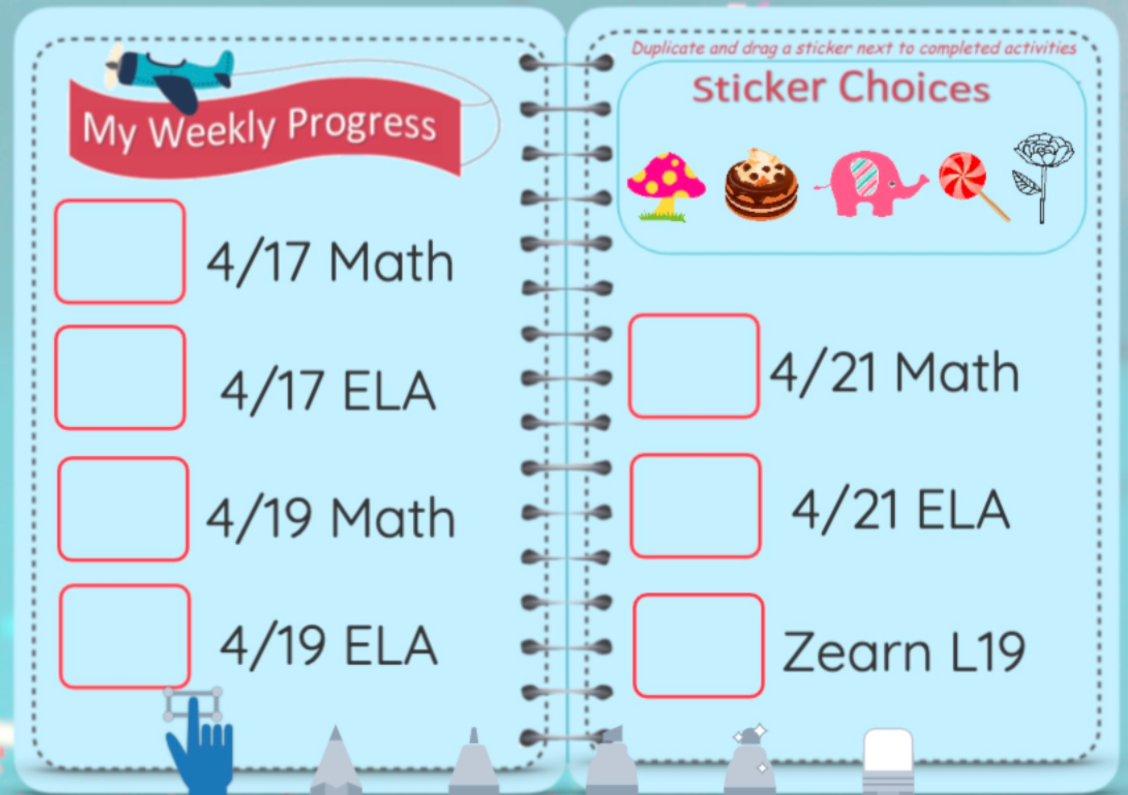
Motivational Reward and Progress Charts in Seesaw
How many of your students are not keeping up with their Seesaw assignments? How many parents actually know which assignments their student still needs to turn in? Since Seesaw isn’t designed to provide that feedback, I needed a way to let both students and parents know which assignments were complete. I also wanted it to motivate students. I decided to add a reward chart to each student’s journal page and update it with digital stickers to show their progress. Add a Reward Chart as a Student Post Create a new Post Student work and choose Drawing. Once in the drawing template, insert your reward...
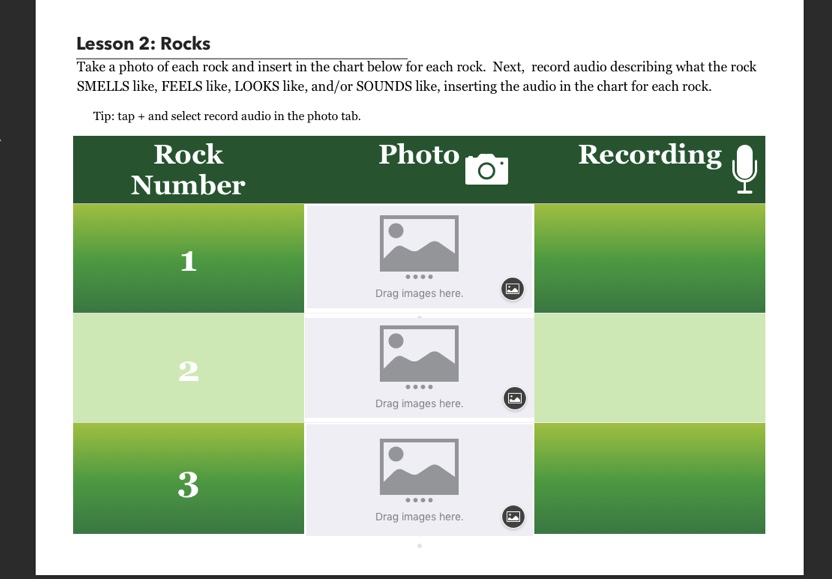
Using Pages Templates with Elementary Students
We wanted to eliminate using multiple worksheets and add depth of knowledge to science and social studies assignments this year. Making templates in Pages is easy to do, so we took content and created templates for each activity that we could use with students in class. Why Use Templates in Pages? Interactive templates allow more opportunities for students to engage with the task. Students can be creative by adding photos, sounds, or even videos. Students are able to expand on ideas by linking websites found in research, linking to different areas of a longer document (ie, an interactive table of contents),...