
Free Upgrades for Digital Tools You Already Use
There are a lot of social media posts circulating out there promoting free tools to use during in e-learning. It’s important to note that any free service has to make its money somehow. This typically is by selling to parents after hours, offering premium services that entice teachers into paying for them, or getting people so hooked that they sell premium features to districts. With the massive shift to online learning right now companies are helping out teachers and families and making some of their paid features free. These free items are a temporary feature so keep that in mind...
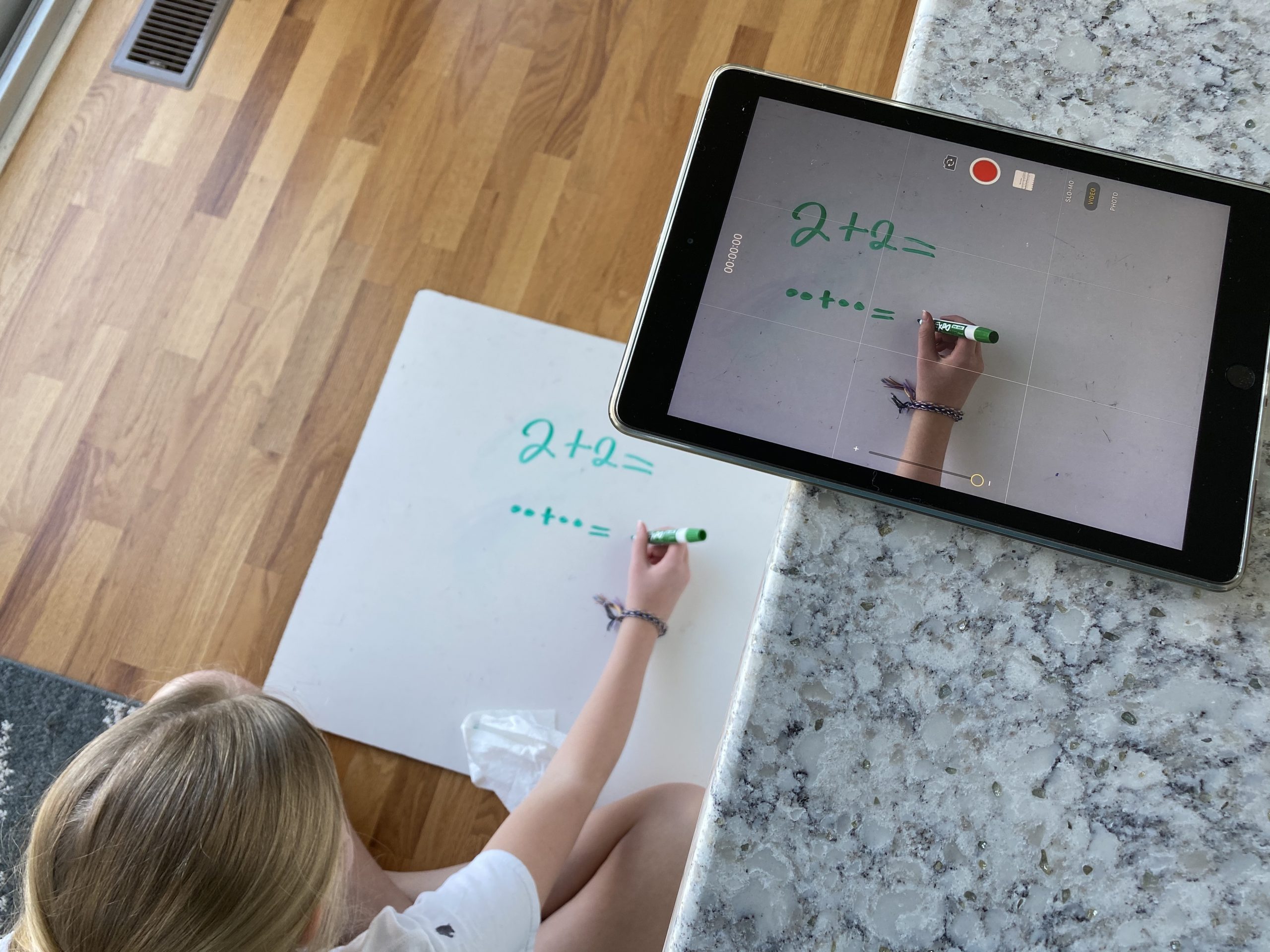
Different Types of Videos Teachers Can Make for Their Students During Home Learning
While students are away we want to give them a sense of normalcy and routine where it make sense. Having a way for students and parents to hear and see their teacher is a great way to build lasting relationships and create more engaging and authentic learning experience. There are many different ways of using videos with your students while they are away. No matter what type of video you choose to make, remember to keep them short. Below are suggestions for ways to create and share different types of videos. Seesaw Recordings (elementary) Seesaw has a built in recorder...
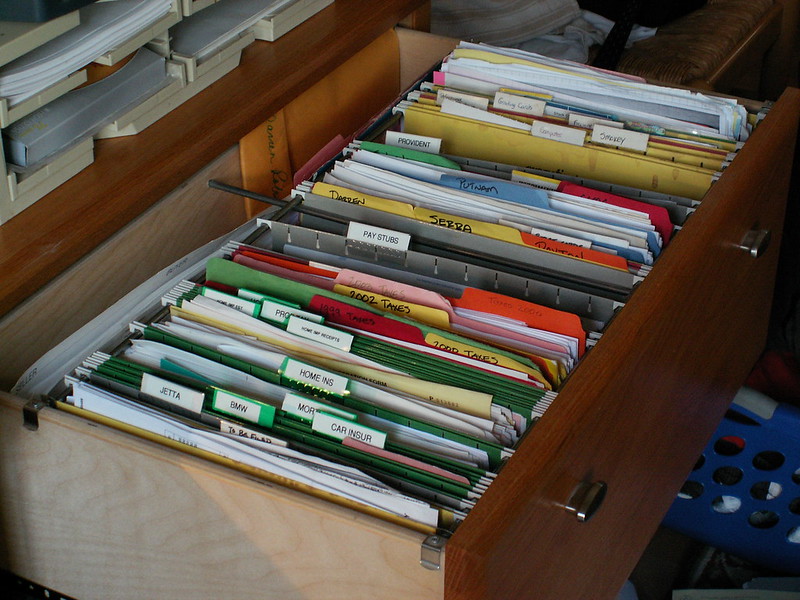
Effectively Sharing Materials from Google Drive
There are many ways to use shared drives in Google to streamline information sharing in class and in committees. Sharing documents to and from students using Google Drive can be overwhelming and frustrating. For instance, when students share their work with you, your email inbox becomes flooded with “Shared with Me” notifications. In this post, we’ll look at two methods for using Google Drive more effectively with students and colleagues. Shared Drives We have access to Shared Drives in our accounts. These are special Drives where all members can pull materials without having to share individual files. I (Kerri) have a...
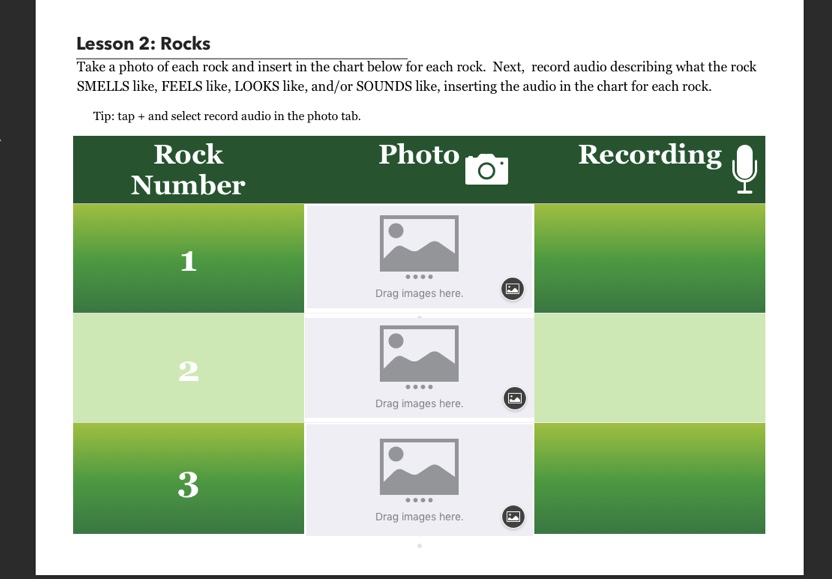
Using Pages Templates with Elementary Students
We wanted to eliminate using multiple worksheets and add depth of knowledge to science and social studies assignments this year. Making templates in Pages is easy to do, so we took content and created templates for each activity that we could use with students in class. Why Use Templates in Pages? Interactive templates allow more opportunities for students to engage with the task. Students can be creative by adding photos, sounds, or even videos. Students are able to expand on ideas by linking websites found in research, linking to different areas of a longer document (ie, an interactive table of contents),...
Use Google Sheets to Quickly Translate Vocabulary Lists
If you teach Level 1 ENL students, one accommodation you can make is to provide English vocabulary alongside home-language translations. This helps students make mental connections to the new content in a context they already understand. If you need to quickly make a translation of a list of words, you can easily do this using a formula in a Google Sheet. See this post on other helpful tips for your ENL students. Get Started Create a new Google Sheet in Drive. Type your vocabulary list in a column. In the Column B type =GOOGLETRANSLATE Google Translate will pop up as...
Checking Reading Fluency in Seesaw
Using Seesaw for Performance Checks Seesaw Activities are a great way to assess student growth. The activity template is simple: there is a screenshot of a short reading. The activity template is a Drawing and students respond with the Record (microphone icon) option. They use the pointer to follow the reading while speaking out loud. This recording is then submitted so I can listen to the student reading. It is nearly the same as sitting next to the student during the read aloud! The student response goes in a folder that only I can see so the students don’t have...
March Madness PD: Fill Out Your Bracket Now!
Okay, so it’s not quite a bracket but you have to admit the title is catchy. This spring our PD website is overflowing with options for Elkhart teachers! The Ambassadors have been working on several options to carry on the energy from the secondary institute on February 6th and to prepare for our next eLearning Day on April 1st, which will be the first eLearning day for the elementaries. (Seriously, it’s on April 1st, this is not an early joke.) We’re going to try a few new methods for offering PD that makes it easier on you to attend and...
Canvas Bonus Tip: Save Frequent Comments
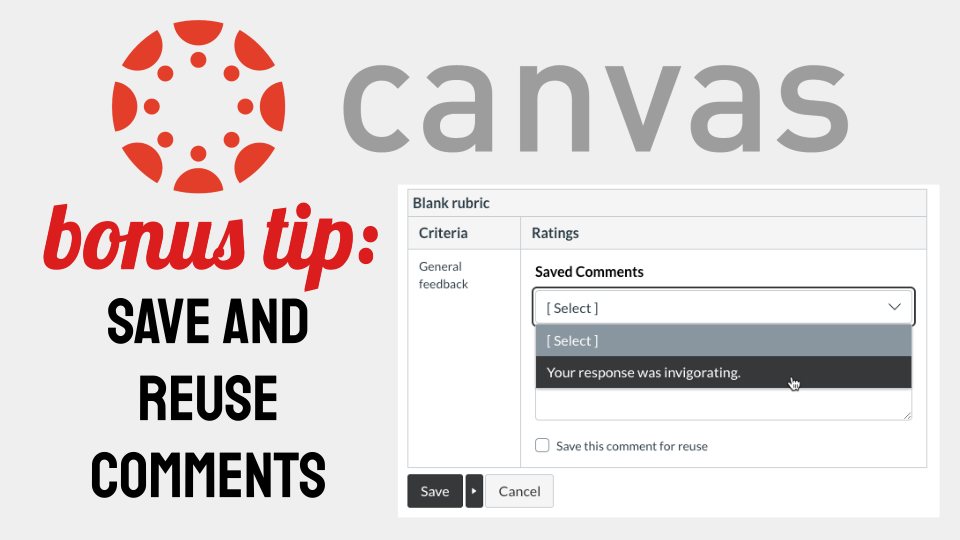
This is an extension on our last post about Canvas features you’re (probably) not using yet. It’s so good that it needed it’s own post this time around. Did you know that you can save comments you use frequently on student work? It’s easy to do and puts one of the tools you learned about last time into practice: Rubrics. Rubric Setup If you don’t remember how to add a rubric to your Assignments, go take a look at the steps. By making one small tweak, you can broaden the scope of your rubrics and save comments you’re using frequently...
Five Features in Canvas You’re (Probably) Not Using Yet
It’s okay though. That’s why we’re here. Canvas is so full of functionality, it’s easy to miss some of the more helpful options and tools. In this post, we have five quick tips for using Canvas more effectively day to day. 1. Magic “Undelete” If you’ve ever accidentally deleted something from Canvas, you may have resigned yourself to more work and just recreated the item. Next time that happens, use the “undelete” trick to recover that item instead. In your course, add “/undelete” (no quotes) to the address bar and you’ll get a list of recently deleted items you can...

Set ENL Students Up For Success with iPad Settings and Apps
In this post we will show you a variety of features and apps that you can use to customize a student’s iPad to best meet their needs and to scaffold your instruction.

January Canvas Updates
It’s cold outside, but Canvas has some ?? updates this month that we wanted to briefly outline. The updates this month provide two new tools that you can try out in our courses started today. Direct Share Sharing materials between courses is tricky. You can either set up a shared, empty course that holds materials. Any teacher in that course can then import those materials into their own class. The downside is that you now have another course to manage in Canvas. Starting today, there is an option called Direct Share. This option allows you to either copy materials between...
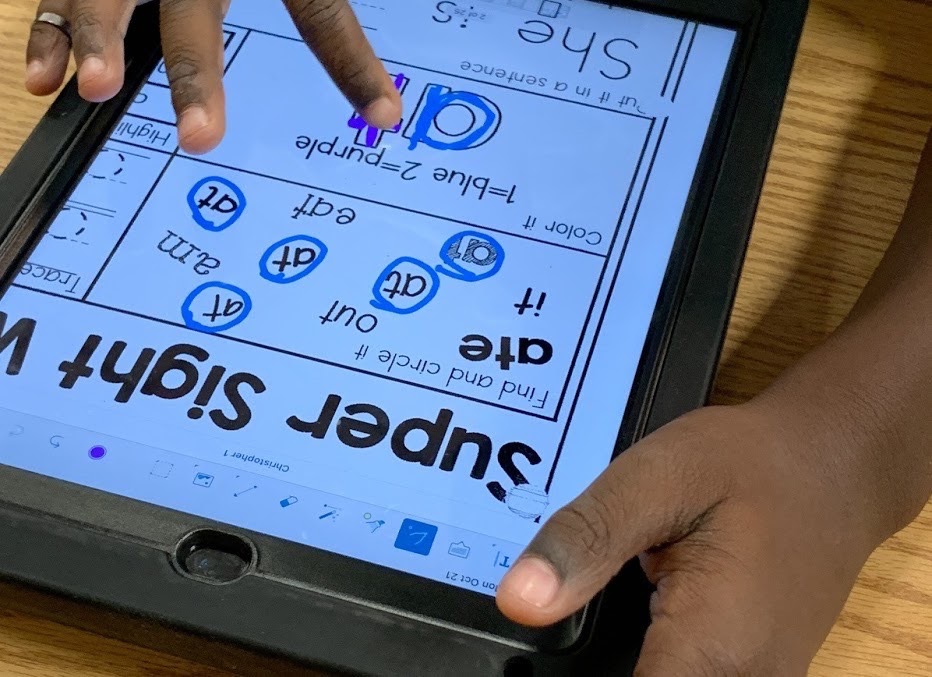
Sight Word Independent Practice with the iPad
Meaningful small group instruction time is a precious commodity in our classrooms. We turned sight word practice into an independent activity to reclaim some back. Using Seesaw, you can create activities that allow students to record their sight word practice. This means you are free to move around the room and help targeted students while still being able to go back and listen to every student practice. Here are some time-saving solutions for you! Provide Examples We created a digital/auditory sight word book in Book Creator or Keynote that allows students to hear the words they are learning. Each page...
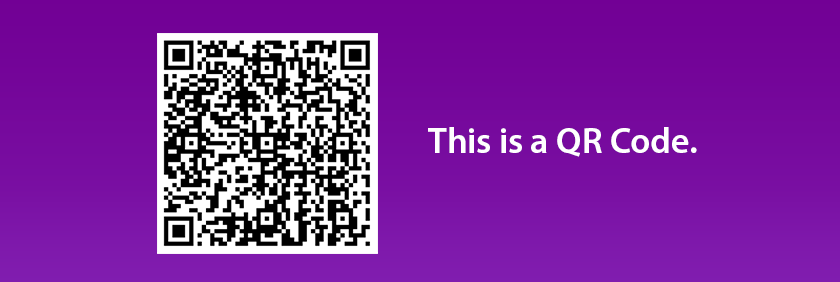
The Beauty of QR Codes
What is a QR Code? A QR code, in its most basic form, is a “picture link” to a website, document, assignment, etc. QR codes are scanned using a device with a camera, and link directly to a specific destination. Why QR Codes? One word: Efficiency. Sharing the code with the class, either printed on paper or in a digital format (presented on the SMARTboard), is one of the fastest way to get your classes on the “same page.” Why not just use Apple Classroom, you ask? Apple Classroom is still valuable as a organization and management tool, especially for...