Springappalooza Week 4: Q&A in Google Slides
If you use Slides at all for presenting, there is a great tool built in which allows students to post questions. It’s called Q&A and runs inside a presentation you’re using – no add-on or apps required. Starting a Session If you’re using Google Slides, you can start a presentation from your computer or the iPad. The presentation has to be running in order to launch the Q&A session. Using the Present menu at the top, click on Presenter View to launch the presentation and show you the tools. Laptop Session If you’re on your computer or laptop, you control...
Springappalooza Week 3: Library of Congress
Welcome to Springappalooza, the blog series with some simple tasks and challenges to bolster your app skills. If you complete all challenges by Friday, May 3, you’ll be awarded a special Springappalooza 2019 badge and sticker to help you strut your stuff. Week 1 – Make a GIFWeek 2 – Artistry Finding primary documents or photos online can feel like a treasure hunt, particularly as the documents get older. The Library of Congress hosts a massive digital collection of items new and old that are publicly available on their website through a handy search form. The main website works well...

Weekly Update – April 12, 2019
The Tiny Edition, Part 2 We’re back from spring break feeling refreshed and excited about wrapping up the year on a high note. In this week’s tiny update, a reminder about Springappalooza and a better method for leaving audio comments in Seesaw. Springappalooza! Our April focus is rolling forward with a post this week on making sketches from copyrighted images. The original idea is from Brad Cogdell, who has run some great projects with this students with some great results. Don’t forget to leave a comment on the post or on Facebook to be eligible for the limited-edition Springappalooza sticker...
Supercharged Seesaw Feedback
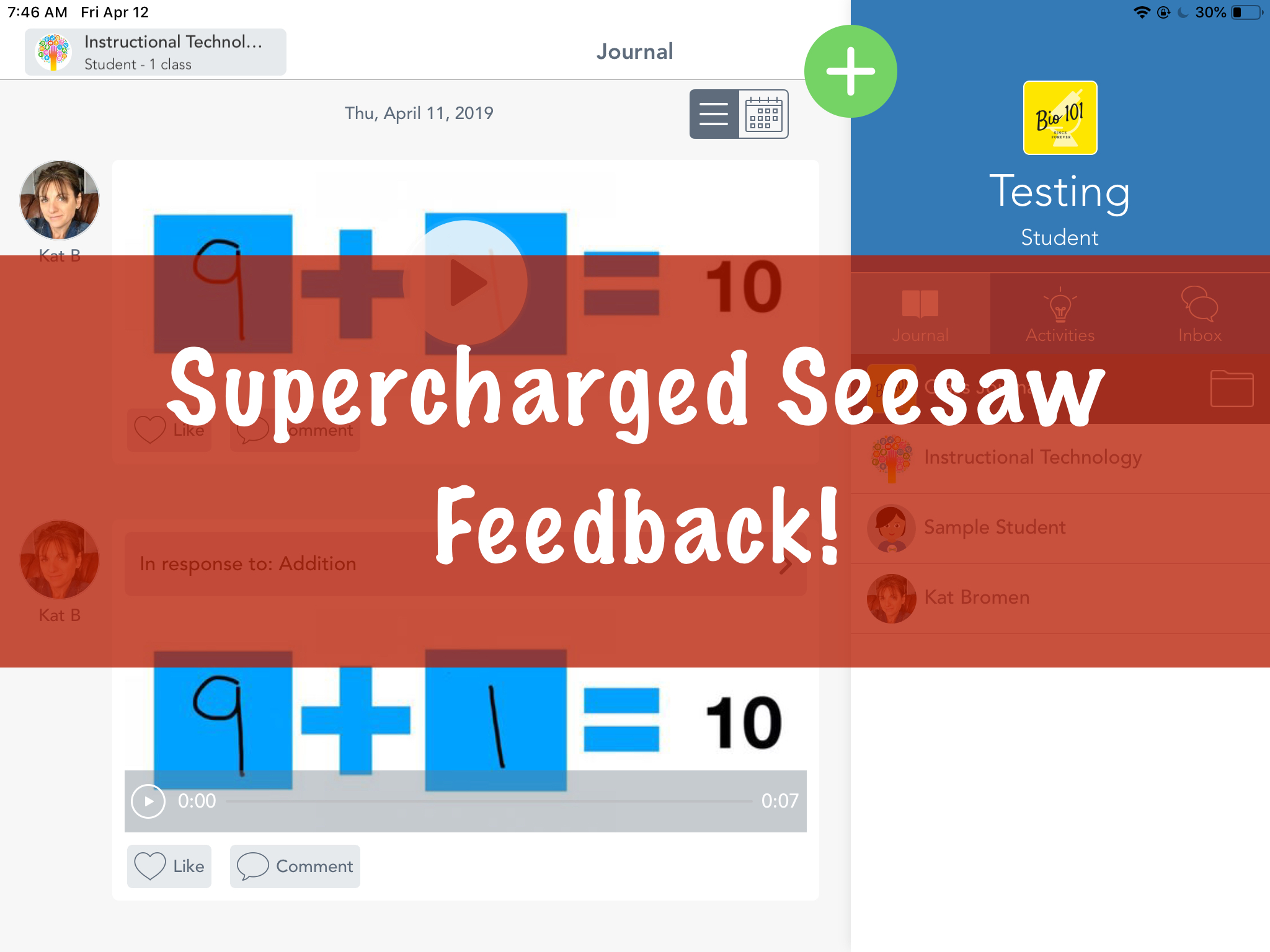
Seesaw is a great tool for younger students to show what they know. More importantly, it closes the feedback loop between teachers and students. In this post, we’re going to show you how to leave audio and visual feedback for our youngest students without erasing their original work. We have a full video demo of this process at the bottom of the post if you want to skip right to the video. The Problem If students record their work using the Draw tool, recording feedback erases the original student audio. The loss of the original thinking by the student makes...

Springappalooza Week 2: Artistry
Welcome to Springappalooza, the blog series with some simple tasks and challenges to bolster your app skills. If you complete all challenges by Friday, May 3rd, you’ll be awarded a special Springappalooza 2019 badge and sticker to help you strut your stuff. Week 1 – Make a GIF So many pictures… What happens when you can’t find a free-to-use image for a project? This is where a little creativity comes in. Today, we’d like you to use Sketches School to make your own copy of a copyrighted photo. Start with a definitely copyrighted photo. The general rule of thumb is...
Springappalooza Week 1: Make a GIF
Welcome to Springappalooza, the blog series with some simple tasks and challenges to bolster your app skills. If you complete all challenges by Friday, May 3rd, you’ll be awarded a special Springappalooza 2019 badge and sticker to help you strut your stuff. Your Week 1 challenge is to make a GIF. It’s Spring Break so get creative! Head outside and do an awesome cartwheel. Show proper grilling technique. Or make an artsy GIF of a kite flying. The world is your oyster. Get Started There’s an app called ImgPlay in Self Service which allows you to use your camera or...
Weekly Update 3/29/2019
The Early Edition If you don’t remember that show, it was gold. With spring break coming soon, we wanted to make sure we got as many eyes on the update as possible. This week, we wrapped up our posts on videos for the month of March and introduced the April Focus. If you like the megaphone, you’ll love our next Chrome extension. Clips Our last post on using video in the classroom focused on using Clips as a great way to dip your toes into making movies. Take a look at the post for a short how to and some...
April Focus: Spring-app-alooza
It’s April (soon) and we’re celebrating with a four-part series we’re calling Spring-app-alooza. These are not read-for-an-hour-then-struggle ideas. These are family friendly, low investment ideas to think through over the month. How will this work? Each week in April (yes, including spring break), a blog post will publish with something to take a look at or try out. All you need to do is read the post and take a look at the resource. Each one has been picked to help students think outside the box about their learning and equip them to communicate those ideas. If you participate on...

Whiteboard Videos
Making a video doesn’t necessarily require the camera app. We want to dive into the world of “whiteboard videos,” where students (or teachers) make short demonstrations of concepts or techniques using a simple screen recorder on the iPad. Whiteboard as a Teacher From a teacher’s perspective, these videos are a great way to create a library or archive of how-to videos. Instead of recording a lecture, break it down into ideas – single topics students refer to frequently that a video could answer. Technical processes (solving an equation, diagramming a sentence), examples (analyzing a short piece of text, breaking down...
Weekly Update 3/22/2019
The Remote Edition We’re out this week at a conference with the Tech Ambassadors, so today we have a rapid-fire update with several recommendations from the conference to peek at. We’ll do a deeper dive into these (and more) in future updates. Quick Link Rundown ⚡️ Quick Tip: Student Information Lookup We added an article on the Tech website about looking up student usernames, passwords, and iPads. Use the Staff Site link on your iPad to open it quickly. We’ll be back next week with more updates for you to explore over spring break.
Weekly Update – March 15, 2019
The We Were Teased Edition Yesterday’s windstorm was a nuisance, but it was 60 degrees and felt like spring was finally here. We’re back to cold air for the foreseeable forecast, so warm you up, we have reminders today on setting your iPad passcode, using video in learning journals, and adding icons to your Seesaw activities. iPad Passcodes Teachers, it is critical that you keep your computer and iPad secured with passwords. Your accounts have access to items that can not be made public by not having a code on your device. Your computer password is set automatically with your...
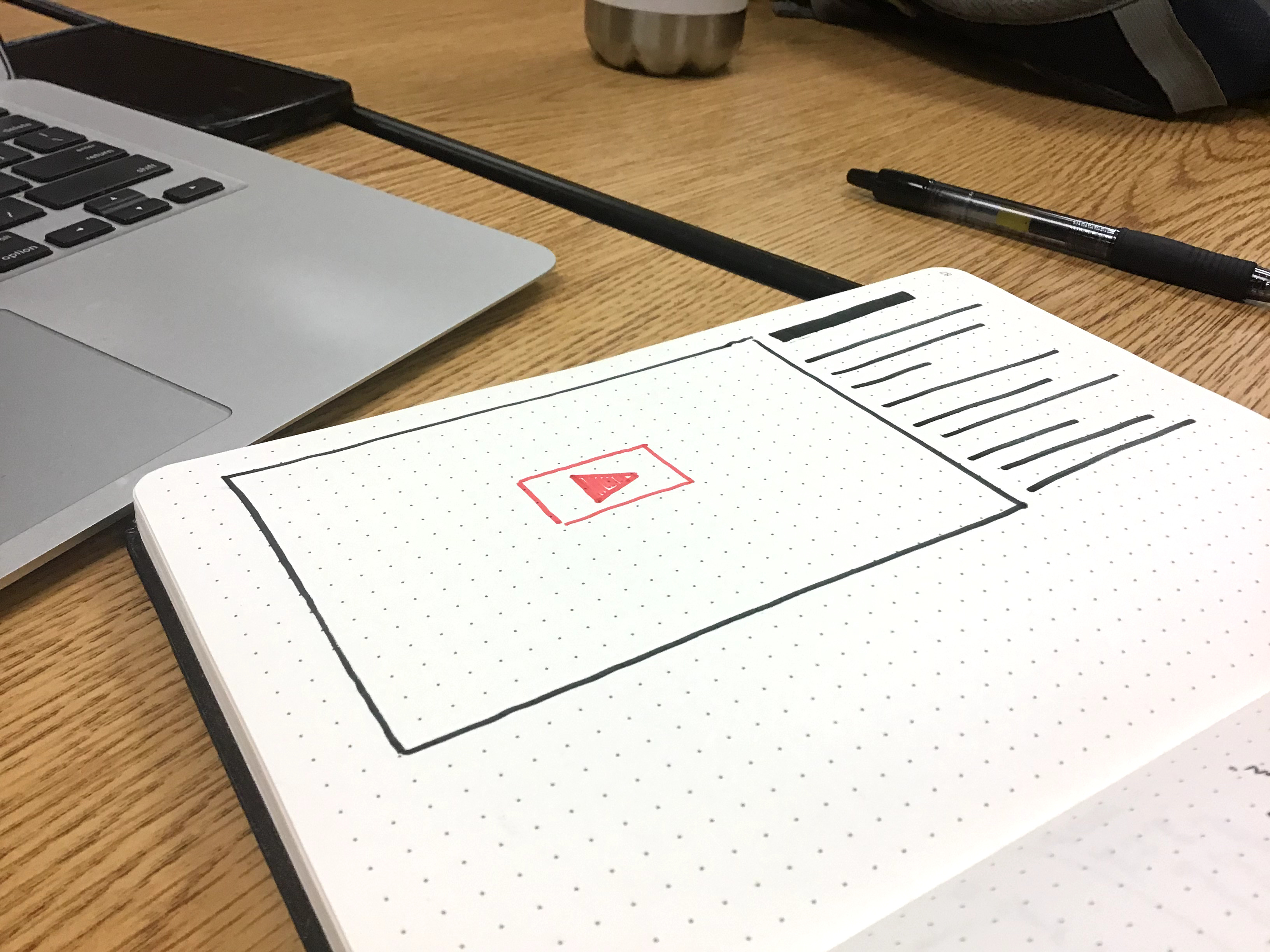
Add Videos to Learning Journals
This month, we’re posting ideas and tips on using video in the classroom. This week’s post is kind of an extension of one we wrote about using templates in Pages for student work. If you haven’t read that post yet, go check that one out first. Pages is great for embedding media, but there are others you can use with your students. Book Creator is available on student iPads and allows you access even more templates, including comic book layouts and extra styling some students might like. Templates aside, this post is about videos, so let’s take a look. Video...
Weekly Update – March 8, 2019
The Sun Is Coming Back Edition According to Time and Date, we are rapidly approaching 12 hours of sunlight per day (today is 11 hours and 37 minutes). Spring is coming and we’re feeling good. In this week’s update, a Seesaw sign in change, saving passwords on the iPads for easier sign in, and a reminder about our March blog focus. Seesaw Sign In Tech Services and Seesaw have solved a pesky problem with student sign in. Instead of using the QR code, students can now sign in to all of their Seesaw classes at once with their Google account!...