
Let’s talk March 3rd: ECS Institute Day
What is Institute Day? All elementary and middle school teachers get a full day of tailored PD. This is a fully-virtual conference with sessions to choose from throughout the day. Topics will range from productivity tips in Seesaw and Canvas to engaging all students with accessible and meaningful activities in school and at home. What can you expect to learn? There will be learning opportunities in the tracks of: Instructional Technology: Tips, tricks, and suggestions on using technology to engage students in learning. Exceptional Learners: In bowling, it’s the 7-10 split. Meeting the needs of both ends of the curve...

I Do Solemnly Swear: Inauguration Day 2021
Struggling with how to teach the inauguration in your classroom? Below you will find lessons, read alouds, primary sources, and seesaw activities to help students better understand this day in history. Read Alouds Utilizing picture books can be a great way to introduce challenging topics for students. Below you will find two different book lists, and also two different picture books that are read aloud on YouTube with corresponding lesson plans you could use and adapt to fit your needs. This list of books for election day includes stories that are applicable for Inauguration Day. Senate.gov has curated a list of...
Focus on Feedback in Canvas
Canvas makes it easy to allow students to submit multiple times to the same assignment. This helps you move away from completion and compliance for student work toward a feedback and revision cycle, focusing on improvement and tracking growth. There are several ways to do this in Canvas and we’ll highlight some of the easier methods here along with why you might want to do this in your class. Quizzes & Tests An obvious first stop, do you allow quiz or test retakes? If the answer is “no,” let’s consider why for a few minutes. Deadlines and accountability are important....

Being a Champion for Equality, Justice, and Peace
Looking to celebrate MLK Jr day in your classroom, but not sure where to start? Find resources here.
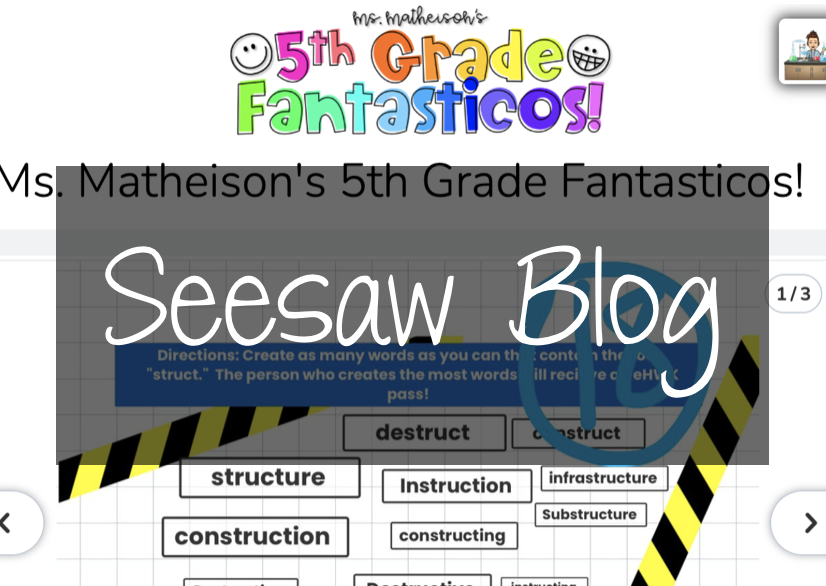
Showcasing Student Work with the Seesaw Blog!
Seesaw blogs are a great way to showcase the work your students are doing in the classroom. By engaging with an authentic audience of their classmates and parents, students are encouraged to complete better work and to get real feedback from their peers. Blogs can also create a space for students to share their thoughts and ideas, their special interests, and to celebrate one another. Seesaw Blogs can be used for: Showcasing student work (VIDEO: Seesaw Wow Work! Intro for Students) Responding to readings or writing prompts Publishing writing pieces Showcasing final projects Sharing fun creations Social media space How to...
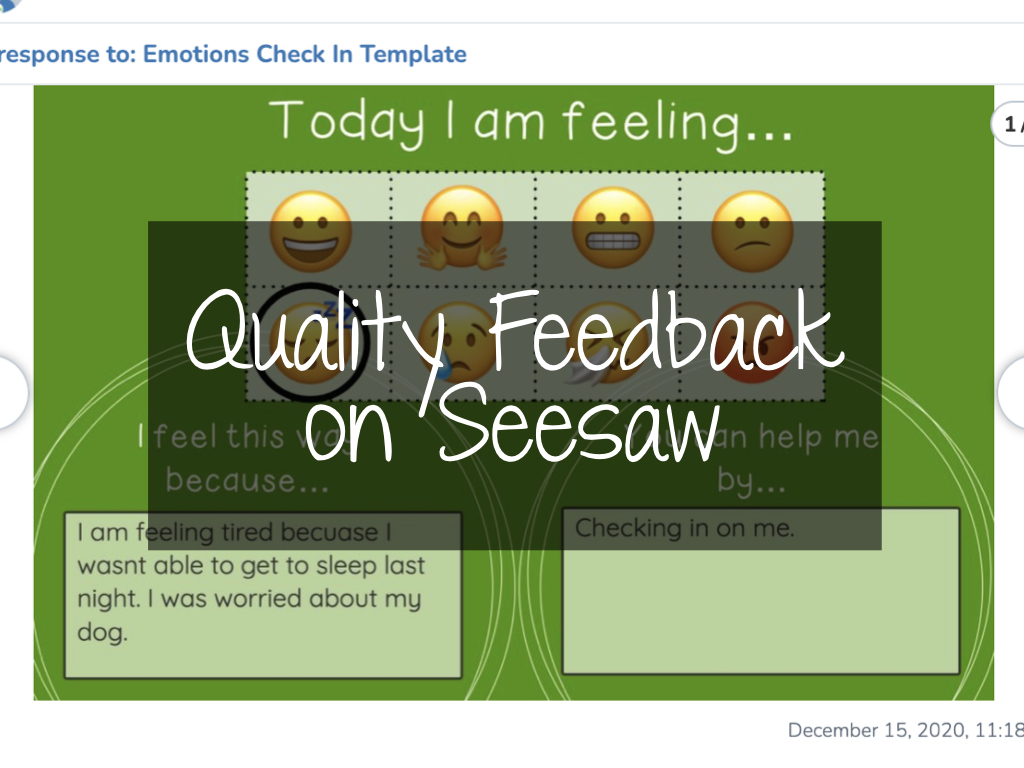
Providing Quality Feedback on Seesaw
Where am I? Where to next? How do I get there? Time and time again, quality feedback has proven to be a powerful tool to use in the classroom. With a 0.73 effect size on John Hattie’s list of influences related to student achievement, almost double the hinge point of 0.4, the impact of providing quality feedback to students cannot be ignored. Quality Feedback The type of feedback that is given to students is important. Students need to be able to reflect on where they are, where they need to go, and how they get there. Grant Wiggins, researcher and author...
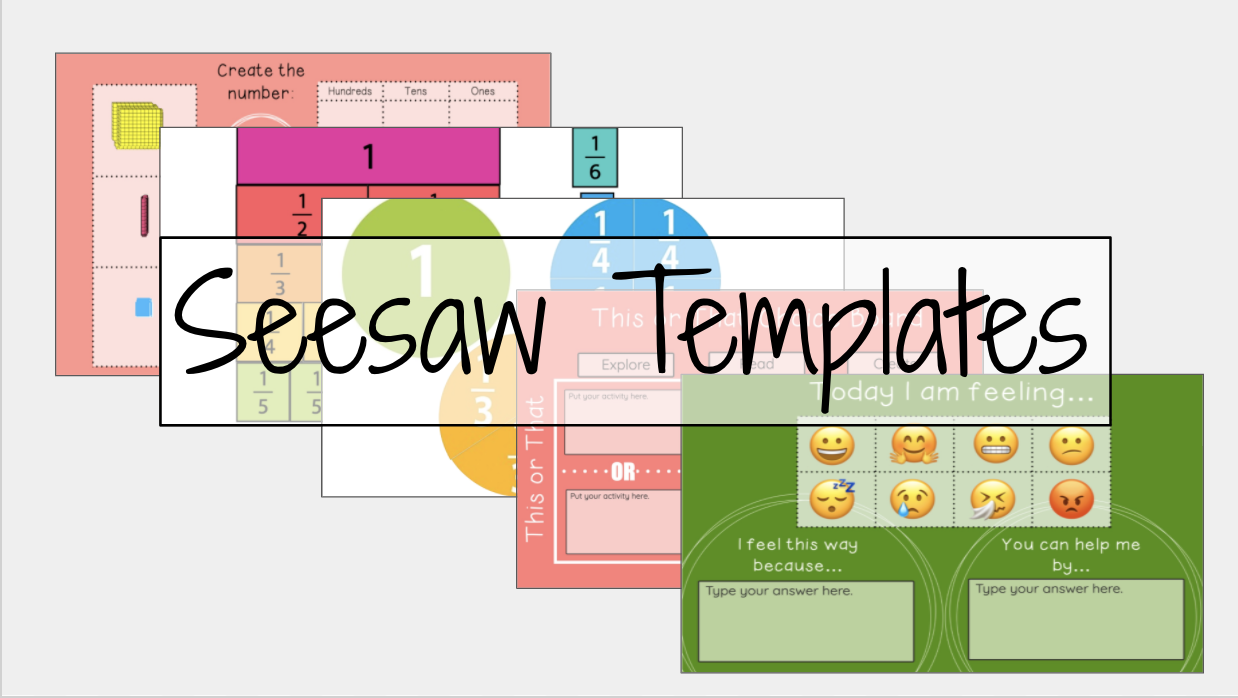
Save Time with Seesaw Templates
If there is one thing we know for sure, it’s that there isn’t enough time in the day to get all the things accomplished that you want to get done. Below you can find a presentation of Seesaw templates we’ve created or collected to help you save you some time, and hopefully find new ways to better utilize Seesaw. Access the templates here. Interested in using and modifying our templates? To utilize Seesaw templates, simply select the link you’d like to use from the template presentation above. When the template opens in your internet browser, select ‘Save Activity’. This will...

Using Video in Online Classes
We’re online for the long haul. Even with hybrid teaching, our students are working in a virtual classroom, through Seesaw or Canvas, three days a week. As teachers, a pandemic isn’t a great time to try to learn new things, but we must be reflecting on and considering what we’re asking our students to do in this new environment. Our old habits and methods aren’t adequate in helping students be successful. All things considered, our online classes need to offer more flexibility for students than when we’re in person. Removing time barriers to information is one easy way to take...
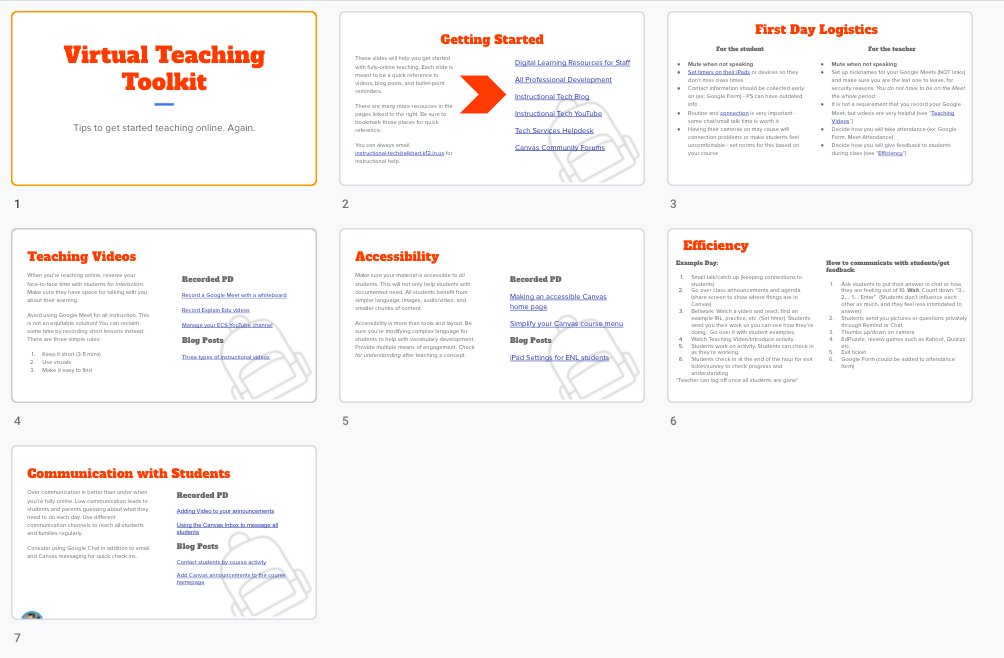
Virtual Teaching Toolkit
To support all high school classes moving online again, the Tech Ambassadors have helped compile a virtual teaching toolkit to help staff get back in the swing of online teaching. It’s a short, seven-slide presentation you can use as a resource moving forward. We have suggestions and resources for five main areas: First day logistics for teachers and students Making your own teaching videos Creating accessible lessons Day to day efficiency Communicating with students View or Download You can take a look at the full toolkit in this view-only presentation. If you want your own copy, you can do that...
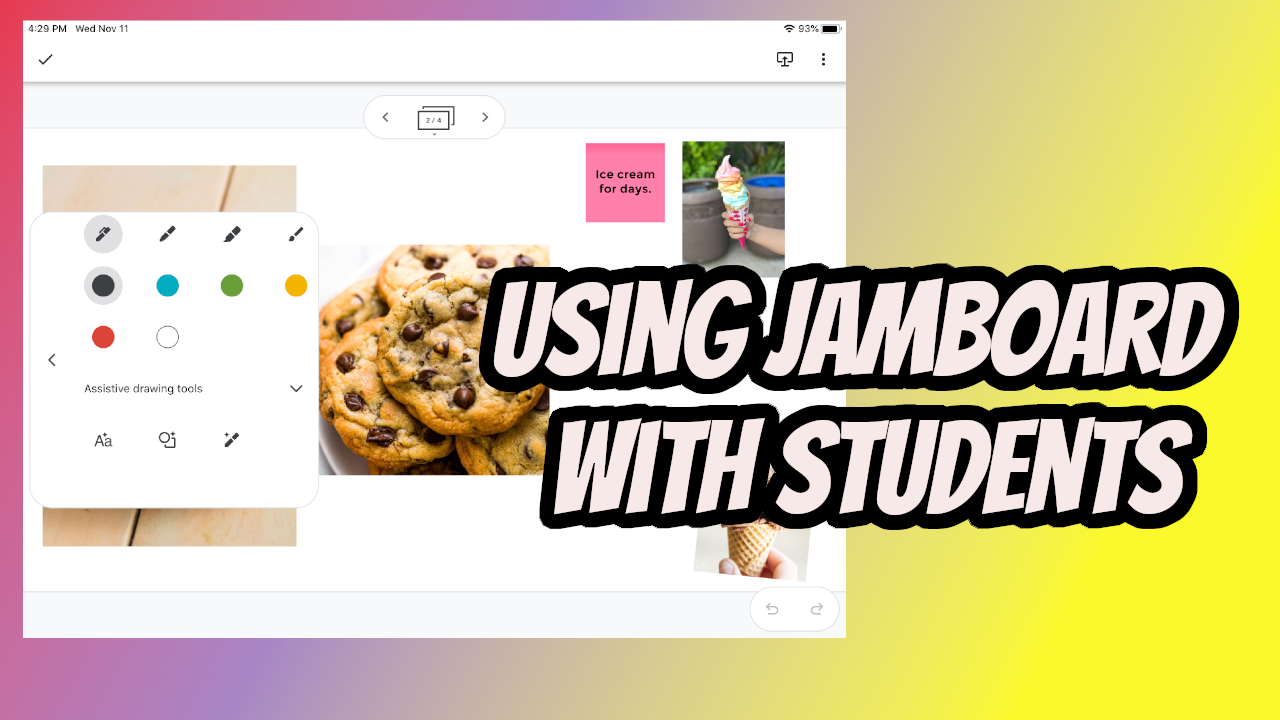
Three Ways to Use Jamboard with Students
Jamboard is a collaborative whiteboard tool within your Google account. All students in the district have access at this point and in this post, we’re going to share three ways to work with Jamboards with your students. It’s important to note before we dive in that the toolset in Jamboard on the iPad is different than what’s available on your laptop. Take some time to use Jamboard on your iPad so you can take advantage of some of the options students have access to. Before you Start, Plan! Jamboards are great on-the-fly whiteboards, but it takes some planning to really...
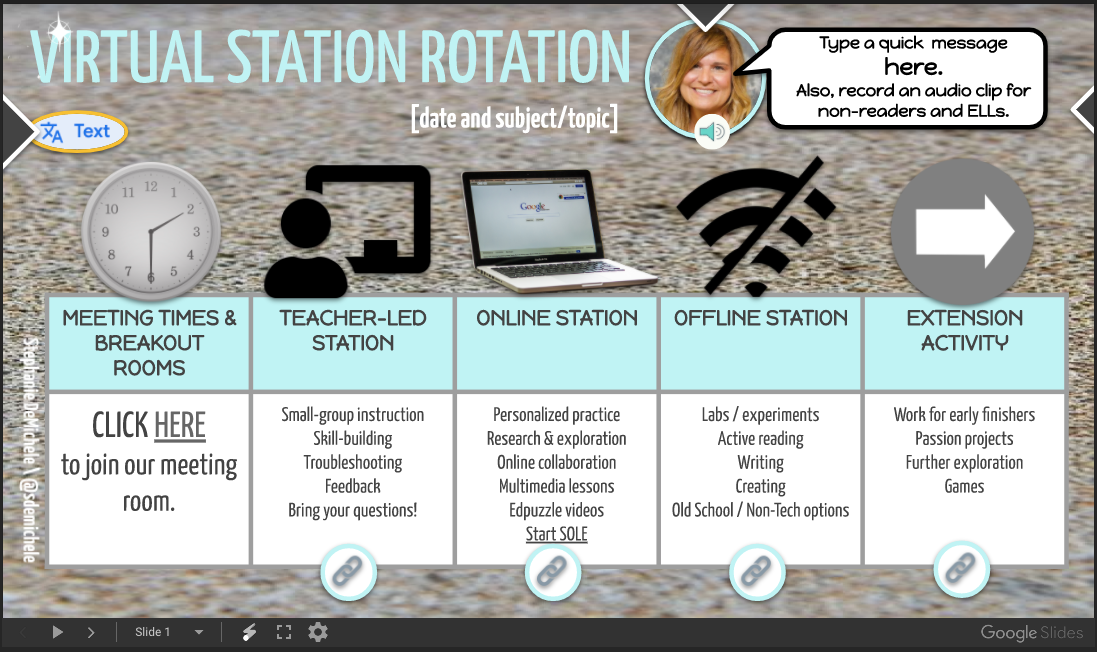
Station Rotation in a Virtual Class
Station rotations can be a great way to help students engage with topics or ideas. This post curates some ideas and resources to help you get started.
Presenting Your Teacher Screen and Seeing Your Students All at the Same Time
Do you want to be able to present to your students through Google Meet but also see their faces or the chat? Below are two methods to make this happen!
2020-21 Technology Ambassadors
Welcome back to school! We’re excited to be back and learn with everyone this year. If you’re wondering who to contact for ideas, tips, or tricks in instruction this year, we have the updated Tech Ambassador list below. Each of these teachers is ready to help you brainstorm ways you can engage your students, whether you’re in person or online. We also have some ideas for new PD this year that will help you get up to speed and push your students while working virtually. Rebecca Dodd Beardsley Sondra Flora Beck Taryn Diaz De Leon Bristol Tanisha Miller EHS East...