
2 Week Winter Break, 3 NEW Things You Can Do With Seesaw in Your Classroom Next Semester
Two weeks of magical rest is about to begin. With that is mind, we want to share 3 magical ideas that will hopefully make your spring semester simpler and smoother.

Gain Back Instructional Time in Your Classroom by Recording Cold Reads in Seesaw
Having students read out loud is a powerful tool in improving their reading skills. But, how many of us have enough time for each student to independently read to you? Do you wish you could just sit in your PJs and listen to them read?

Getting Answers to Your Questions Faster: Elkhart Technology Help Desk Website is More than Meets the Eye
Most of us know that when something goes wrong with the technology in our classrooms we can put in a technology help desk ticket for assistance or call x5676. Did you know that you can actually search or look up the answers to some of your questions before ever having to put a ticket in? By clicking on one of the subject areas on the bottom half of the page or by typing what you are looking into the search bar on the middle of you screen you can find answers to frequently asked questions. Need help figuring out how...
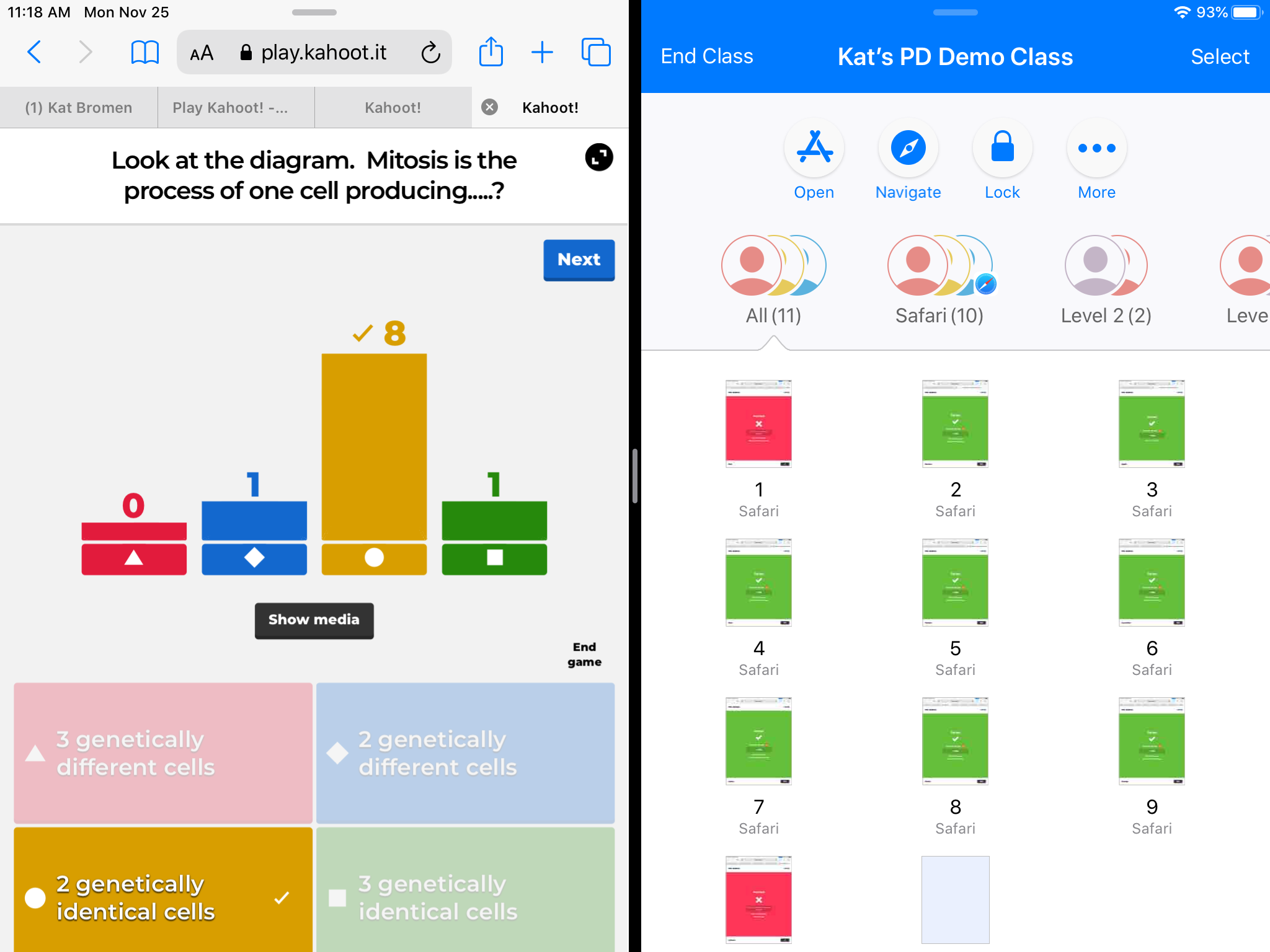
Upleveling Kahoot and Other Formative Assessment Tools with Apple Classroom
Most of us have heard of or have used digital formative assessments like Kahoot. They are great ways to collect information on what your students know about a given topic. By combining Apple Classroom with a formative tool like Kahoot, I have been able to gain more detailed data on my students performance in real time. Seeing students screens gives me a heads up on who is struggling to login or get into an app as well as who is beginning to fall behind or disengage. Most formative assessment games will generate data reports to view once the game is over or...

Finding Your Online PD Courses
We have more PD available online than ever before. There are some bite-sized courses you can work through individually as well as some YouTube livestreams that were recorded. We’re starting to use real-time video conferencing with Google Meet for in-person PD regardless of where you are physically. With all of these links, how do you find those places later? The PD website is the driver for finding your online course links. Here are two ways you can find the link to your online PD. Method 1: The Welcome Email After registering for an online course or session, you should receive...

Google Calendar Default Notifications
My calendar drives my life. It helps me budget time and gets me where I need to be during the day. It’s typically a tab I have open on my computer and it is on my phone home screen for quick access. Along with calendar events, I rely on Google’s notifications to snap me out of the zone when a meeting is coming up. Since I move around the district, 10 minutes (the default) often isn’t enough. You can set default notifications in your Google calendar so you’re not constantly changing settings when you’re creating meetings. Notification Settings If you...
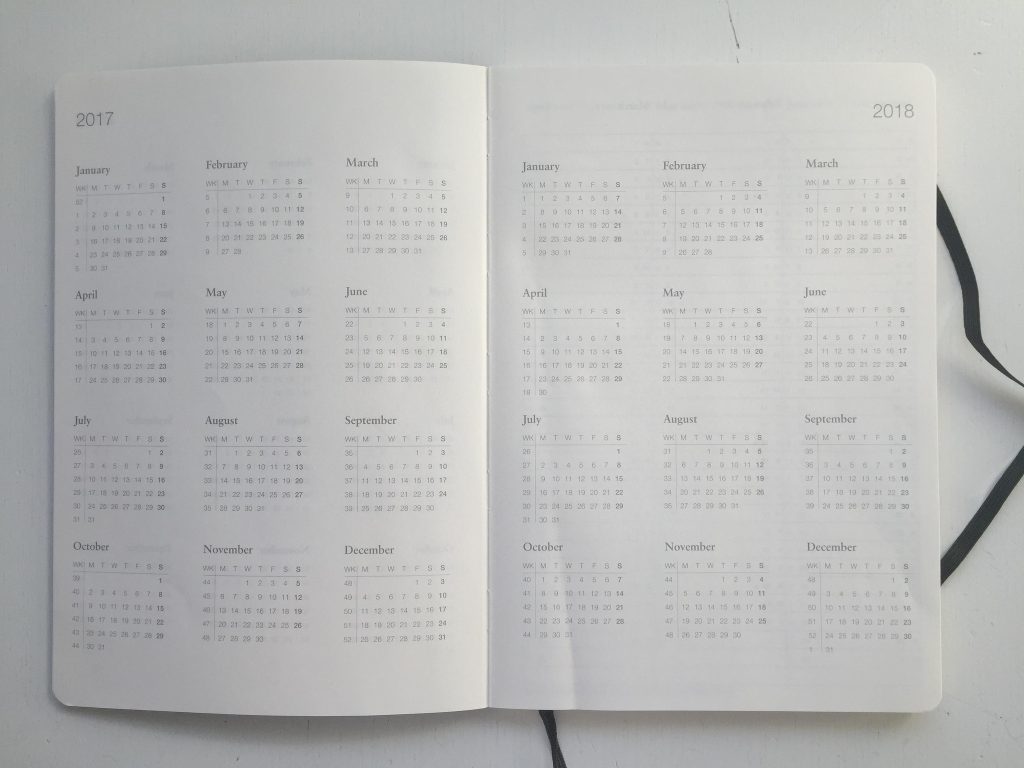
Upcoming PD – November 2019
It’s been a while since we’ve sent an update of upcoming professional development available. Here’s a list of the currently scheduled workshops for November and December 2019. You can sign up for all PD options on the PD website. November Date/Time Title Location Weds 11/20 @ 2:50 – 3:20 ECS Staff Site Overview Online Fri 11/22 @ 9:00 – 10:30 SIOP Module 3 Make Up PLC at the Admin Building Tues 11/26 @ 12:00 – 4:00 CPI Refresher Course PLC at the Admin Building December Date/Time Title Location Tues, 12/10, 7:30 – 3:00 CPI Full Training PLC at the Admin...
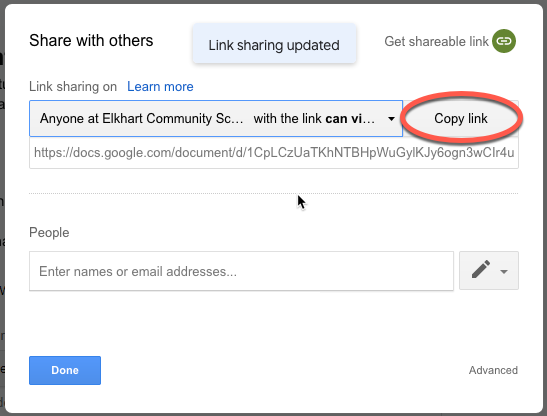
Share Docs Without the Editor
Here’s another quick tip for sharing documents from Google. This trick works with any Google item (Docs, Sheets, etc) and is similar to the fast-copy trick. View Only Sharing When you share a doc as view only, the viewer still sees the entire editor. This takes up screen space, takes longer to load, and it can confuse people who don’t use Google docs often because they can’t edit anything. They can still request edit access, which is nice in case you meant to give them edit access but forgot. Share Without the Editor You can make a quick change to...
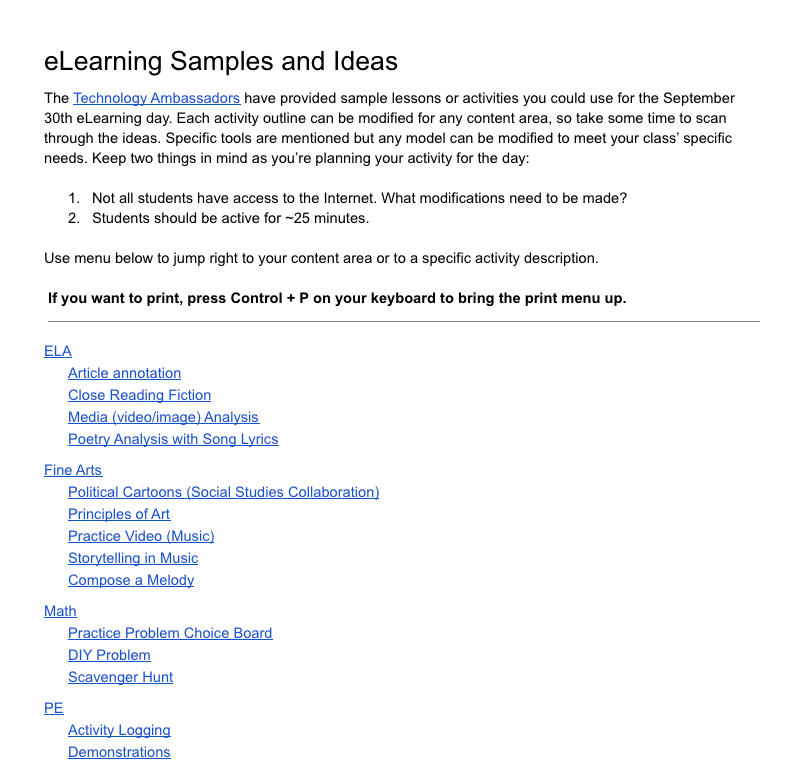
eLearning Activity Ideas
Our first eLearning day is coming up on September 30th (remember, this is secondary only). To help you get ready, the Technology Ambassadors worked hard to get a huge document of samples put together. You can use an activity as-is or modify the idea for your class. Remember, these aren’t prescriptive. They’re meant to be samples of how to prepare an activity that is active and available offline. Each sample has links to helpdesk articles and other helpful resources to help get you prepared. If you have questions, reach out to one of your building Ambassadors or contact the Instructional...

Speedy SpeedGrader
The Canvas SpeedGrader works well in general, but it can take a lot of clicks to get a score into the books. We’ve added some customizations to the SpeedGrader that will make scoring assignments on your computer faster. Essay Scoring If you give a quiz in Canvas, you need to manually score File Upload and Essay questions. Plus, you had to score each individual question. We’ve added a tool that automatically scores blank questions with a zero (no credit) by default. Essays with something typed in will remain unscored and require you to manually update the points either by clicking...

Your 2019-2020 Tech Ambassadors
We’re gearing up for a lot of projects this year and we wanted to start by updating our list of Tech Ambassadors for each building in the district. There are some new faces and they’re eager and ready to start supporting you in the classroom. School Name Email Beardsley Kimberly Williams kwilliams@elkhart.k12.in.us Beck Sondra Flora sflora@elkhart.k12.in.us Bristol Kristi Haithcox khaithcox@elkhart.k12.in.us Central Neil Bahbah nbahbah@elkhart.k12.in.us Central Amy Stine astine@elkhart.k12.in.us Central Tanisha Miller tdmiller@elkhart.k12.in.us Central Laura Stauffer lstauffer@elkhart.k12.in.us Central Jennifer Higley jrhigley@elkhart.k12.in.us Cleveland Jayme Iannarelli jdiannarelli@elkhart.k12.in.us Daly Laura Reverman lcreverman@elkhart.k12.in.us EACC Traci Pankratz tpankratz@elkhart.k12.in.us Eastwood Billie Jo Etchason bjetchason@elkhart.k12.in.us Elkhart Academy Jennifer...

Bite-Sized Online PD
Last year, we experimented with creating online PD through Canvas so you can work on buildings skills on your own schedule. We had some success, but the major feedback was that the course was too big and felt overwhelming. This year, we’re going to build out some micro-courses which focus on single, specific skills or applications. To start, we broke out our Digital Instructor course into six micro-courses (three or four short modules each). This means you sign up for what you want to do, when you want to do it. All of the available courses are on the Elkhart...

Summer 2019 PD Offerings
If you’re looking for some summer PD, the website is full of offerings! From the ELA adoption workshops to Instructional Tech events, there’s something for everyone. Highlights ELA Adoption – Grades K-6 have a new ELA curriculum. A two-part workshop series runs all summer so you can get up to speed with the new materials. Elementary 1:1 Workshops – If you’re one of the buildings going rolling your iPads out in the fall, you have a two-day workshop to attend with your colleagues to get ready. Standards-Based Grading – If you’re interested in learning more about a different grading method...